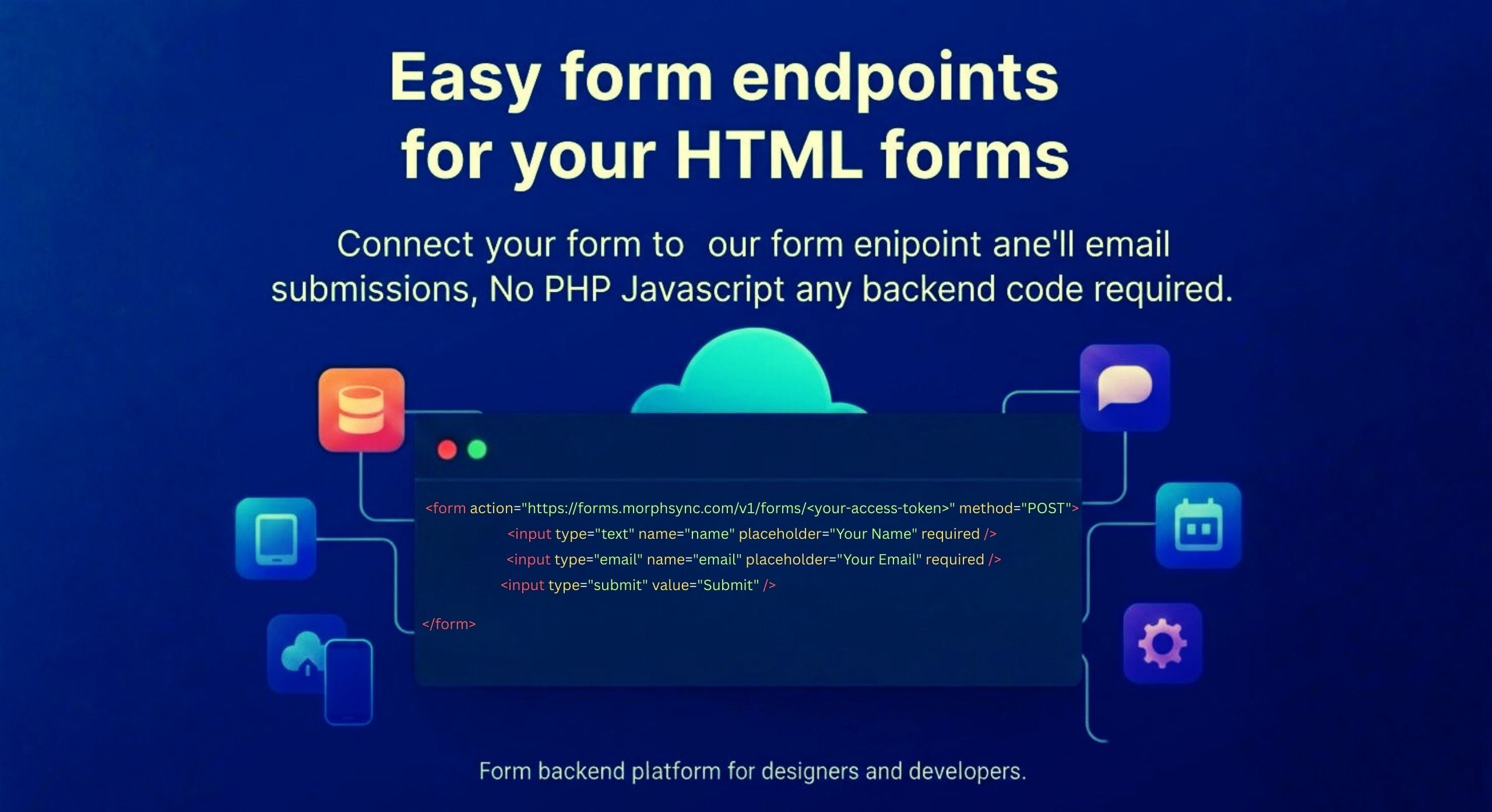
Hook up your HTML form to Morphsync’s safe endpoint - get responses right away. Skip PHP, skip coding, forget server hassles.
Morphsync Forms works great for coders, creators, or teams needing quick form handling - no server setup or messy connections required. It runs smooth out of the box while cutting technical hassle.
Design a form for your site, register your email, and point your form action to Morphsync. We’ll take care of the backend and send every submission straight to your inbox.
EMAIL REGISTRATION REQUIRED
Register your email to receive a unique access token and a pre-generated form endpoint.
Use this endpoint in your form’s action attribute.
<form action="https://forms.morphsync.com/v1/forms/<your-access-token>" method="POST">
</form>
Make sure all form fields include a name attribute so we can capture
and send the submitted data to your email.
<input type="email" name="email" placeholder="Your Email" required />
Submit the form. You’ll instantly start receiving an email for every form submission.
To protect your inbox and prevent spam or abuse, Morphsync Forms includes built-in safeguards:
🔒 Rate limit: Maximum 2 requests per second per form endpoint
🛡️ Automatic abuse protection to prevent form flooding
🔑 Secure access-token–based endpoints
📩 Only valid submissions are delivered to your email
This ensures reliable delivery while keeping your forms safe and spam-free.
Form inputs can use specially named name attributes to control
additional behavior. These reserved attributes are prefixed with an underscore (_).
Sets the Reply-To address of the submission email. This allows you to directly reply to the person who submitted the form.
To use this feature, your form must request the user's email address.
<input type="email" name="email" placeholder="Email Address" required />
Customize the subject line of the submission email to better identify form sources.
<input type="hidden" name="_subject" value="New Contact Form Submission" />
This value is used for the email's CC Field. This lets you send a copy of each submission to another email address.
<input type="hidden" name="_cc" value="[email protected]" />
You can send an instant response to your users with a copy of the submission. Add a custom message to the email body.
<input type="hidden" name="_autoresponse" value="your custom message" />
To activate this feature your form should request the user's email address.
<input type="email" name="email" placeholder="Email Address" />
Register your email to generate a secure Morphsync Forms endpoint. Use it in your HTML form and start receiving form submissions directly in your inbox — no backend, no setup, no hassle.